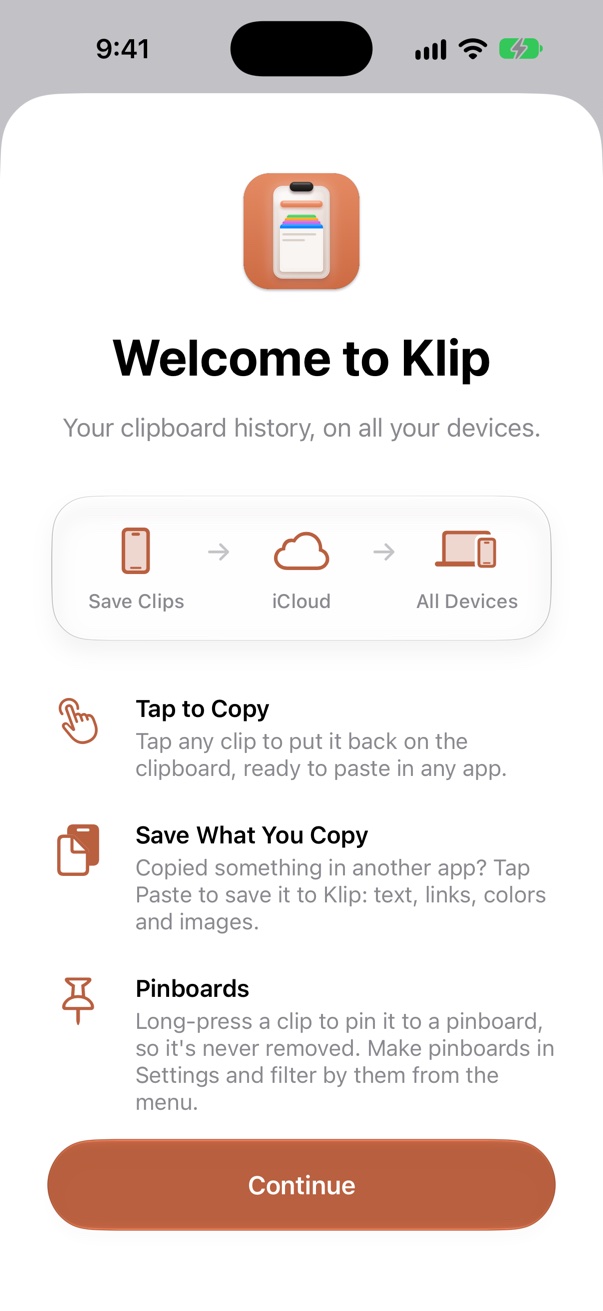
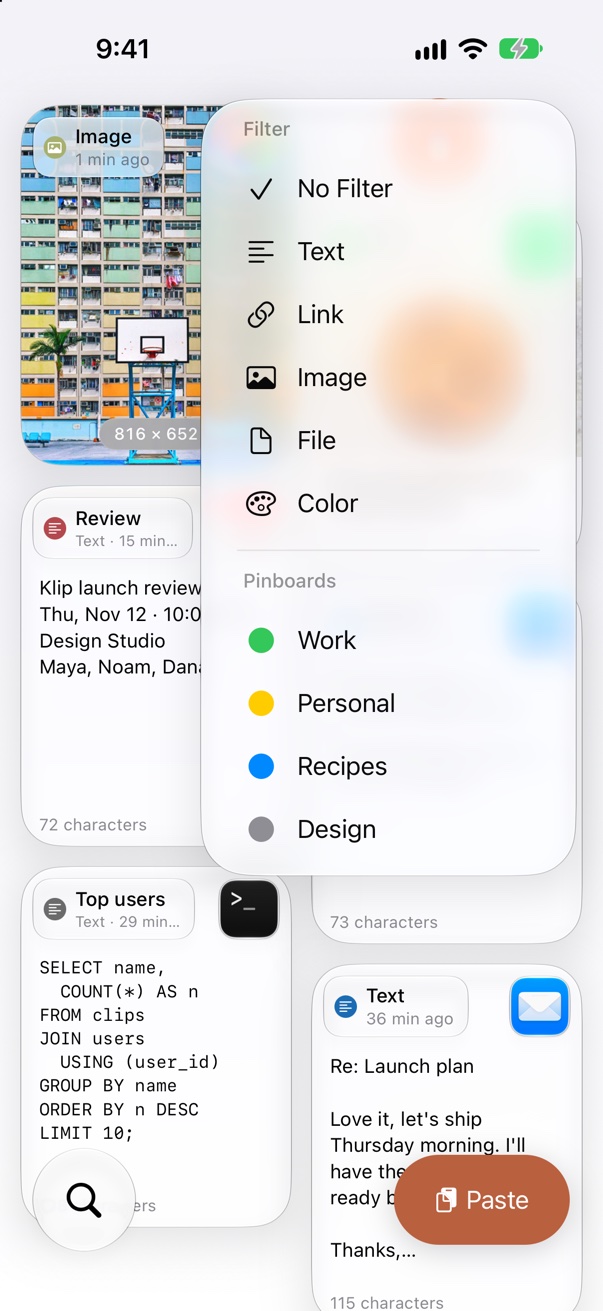
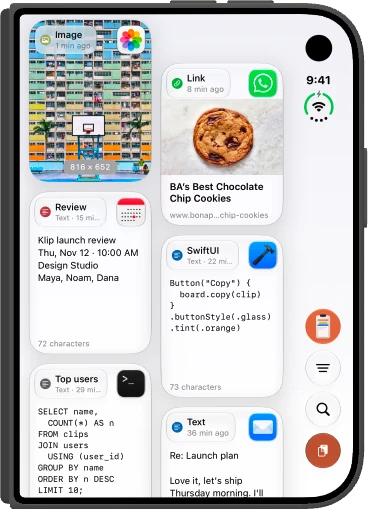
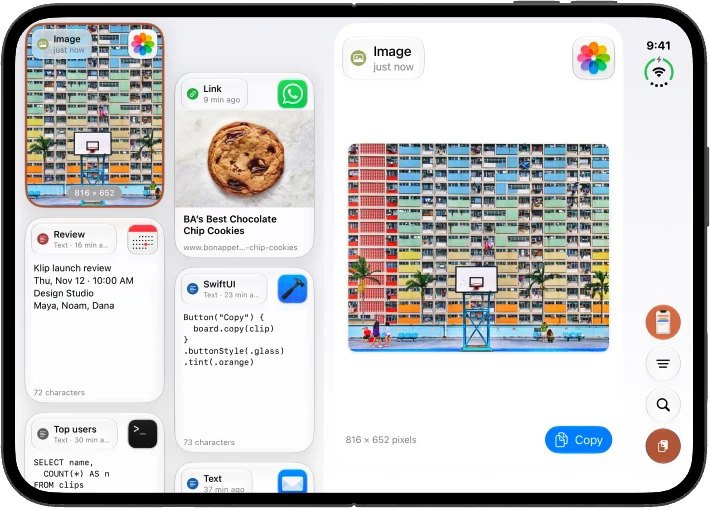
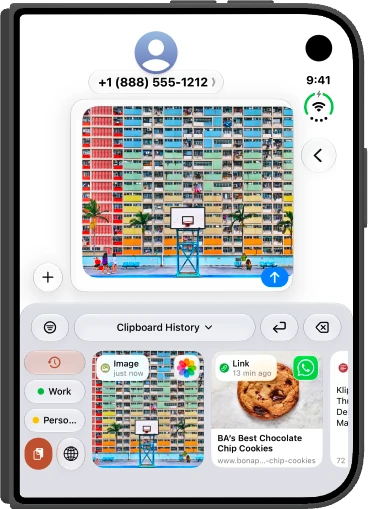
Klip for iPhone and iPad has everything you need without another device. Turn on iCloud and it stays in step across your iPhone, iPad and Mac.
⌨︎
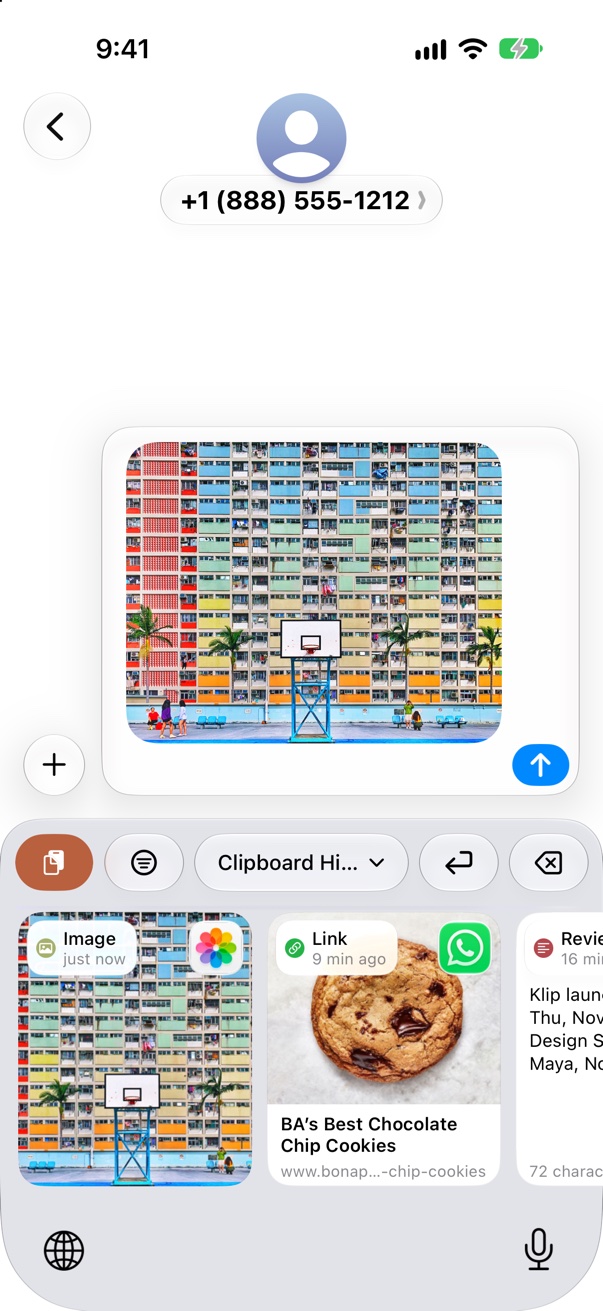
Klip keyboard
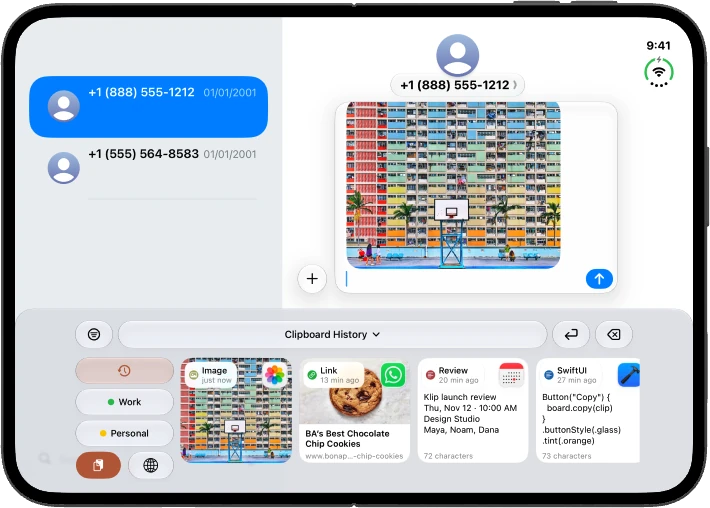
Switch to the Klip keyboard in Messages, Mail, Notes, or any app. Tap a clip to paste it, or open pinboards from the bar above the keys.
☝︎
Tap to copy
Tap any clip to put it back on the clipboard, ready to paste in any app.
⇪
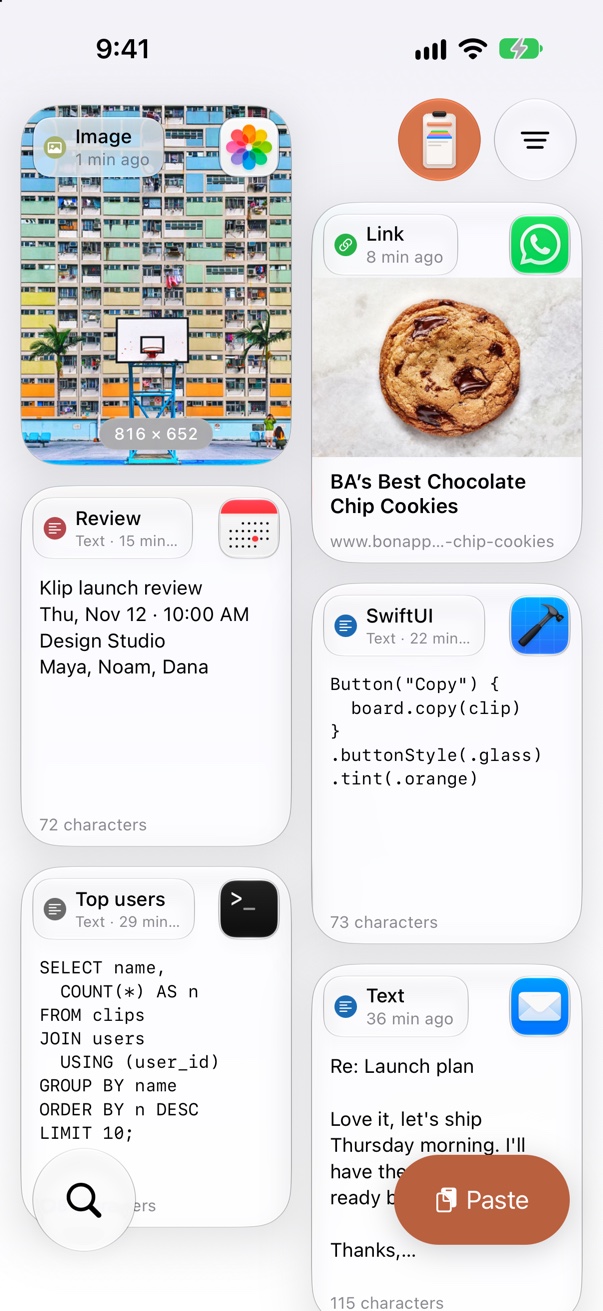
Save from the clipboard
The paste button saves what's on your clipboard (text, links, images or colors) in one tap. Klip never reads it on its own.
📌
Pinboards
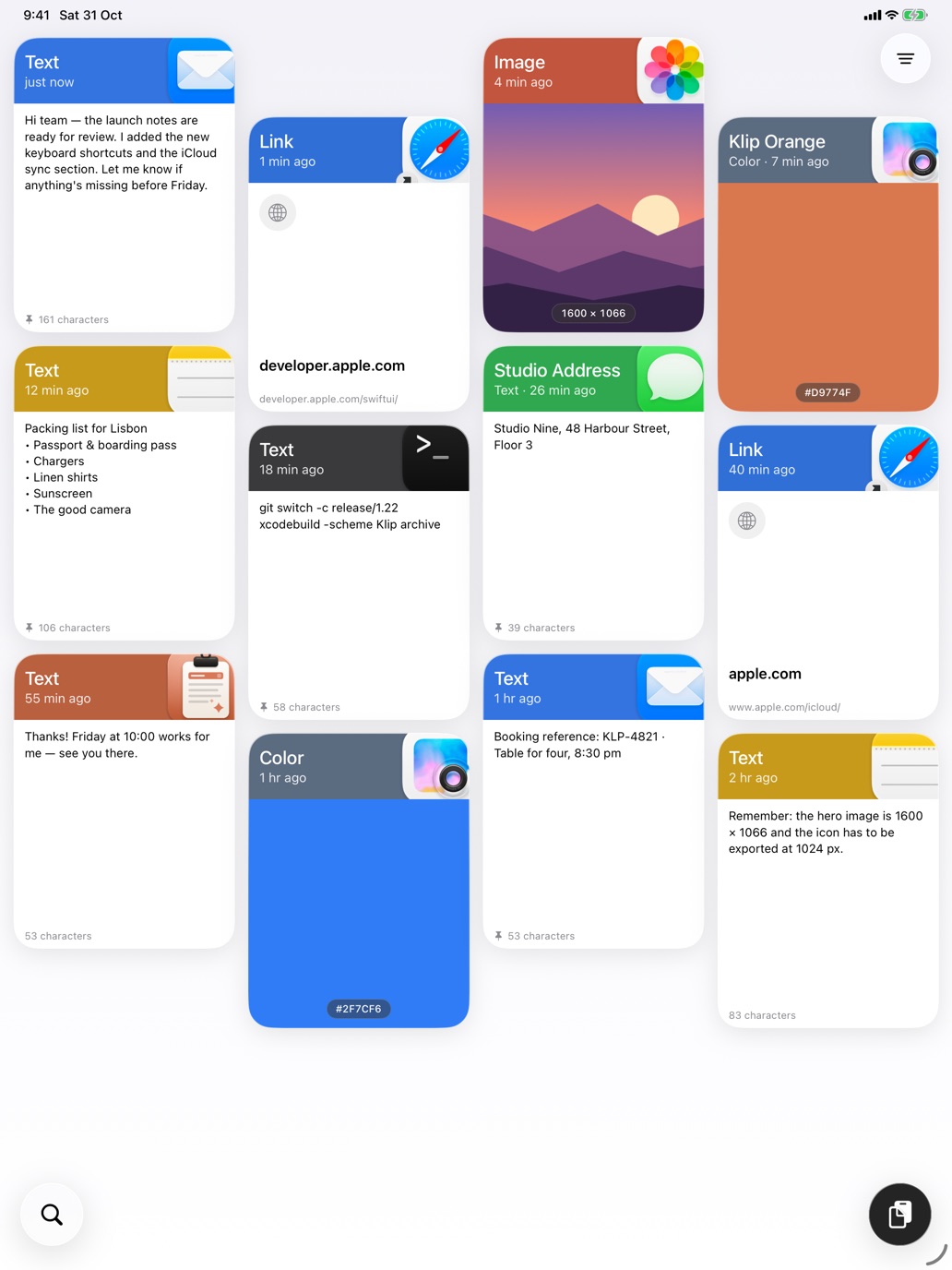
Make pinboards for work, travel or snippets and give each a color. Long-press a clip to pin it, or to unpin it.
⌕
Search
Find any clip by its text, title or keywords.
◫
Big previews
Open a clip to see all of it: full text, images and link previews.
☁︎
Private to your iCloud
Clips stay on your device. Turn on sync and they travel between your iPhone, iPad and Mac through your own iCloud account. There are no Klip servers, and your data is never sold or shared.
⌘
Even better with a Mac
Already use Klip for Mac? Everything you copy there shows up here too, with the icon of the app it came from.